
Sukulaisilta meni töllö rikki joten hakusessa uusi spekseillä 55" hinta max 2200€. Tila suhteellisen valoisa, mutta ei likikään pahimmasta päästä. Katselu pääosin suoraan edestä ja käyttö suoratoistopalvelut sekä antenni tv. Varmaan tärkeintä olisi käyttiksen helppous ja sulavuus sekä versiopäivitykset mahdollisimman pitkälle, etteivät sovellukset lopeta toimintaa joten kohtuu uutta mallia. Telkkariin ei siis tule kiinni kuin ehkä dvd/blu-ray soitin joten tähän menisi käytännössä melkein mikä tahansa. Amblight pitää vielä kysyä kiinnostaako.
Mitähän tässä kannattaa lähteä suosittelemaan? Budjetti on kelvollinen tuumakokoon nähden ja vaatimukset eivät kovin kummoiset.
Mitähän tässä kannattaa lähteä suosittelemaan? Budjetti on kelvollinen tuumakokoon nähden ja vaatimukset eivät kovin kummoiset.




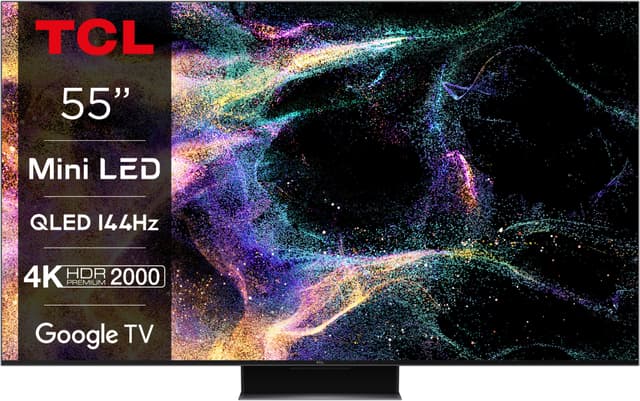
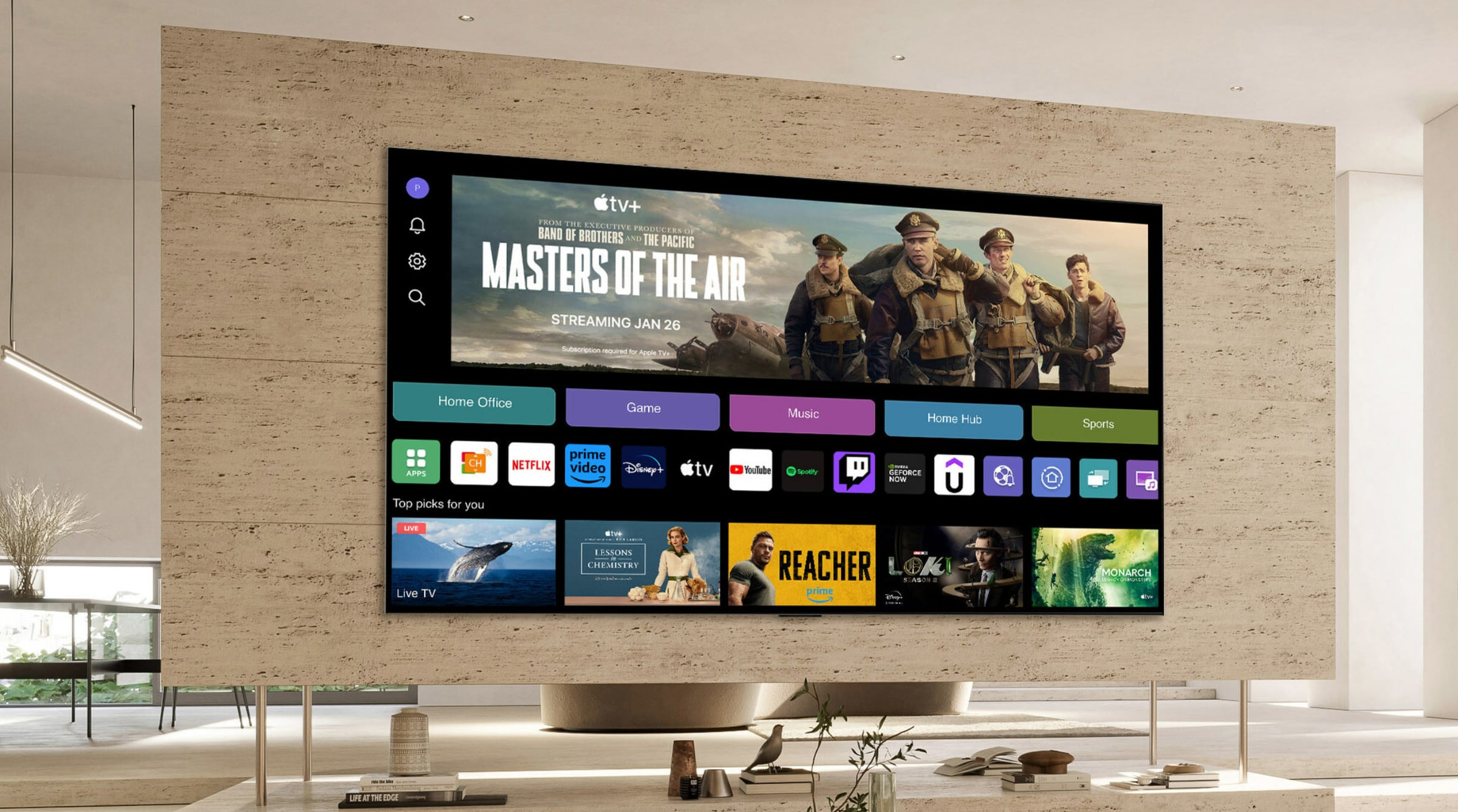

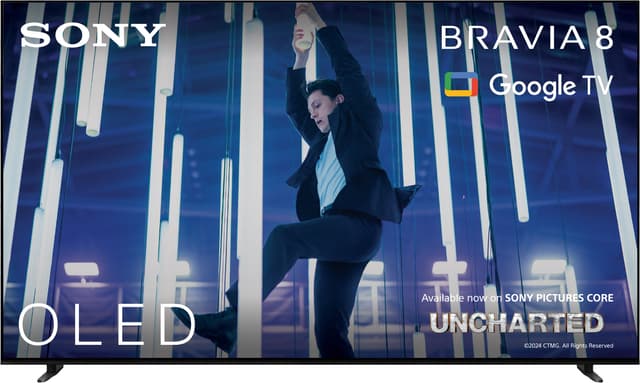



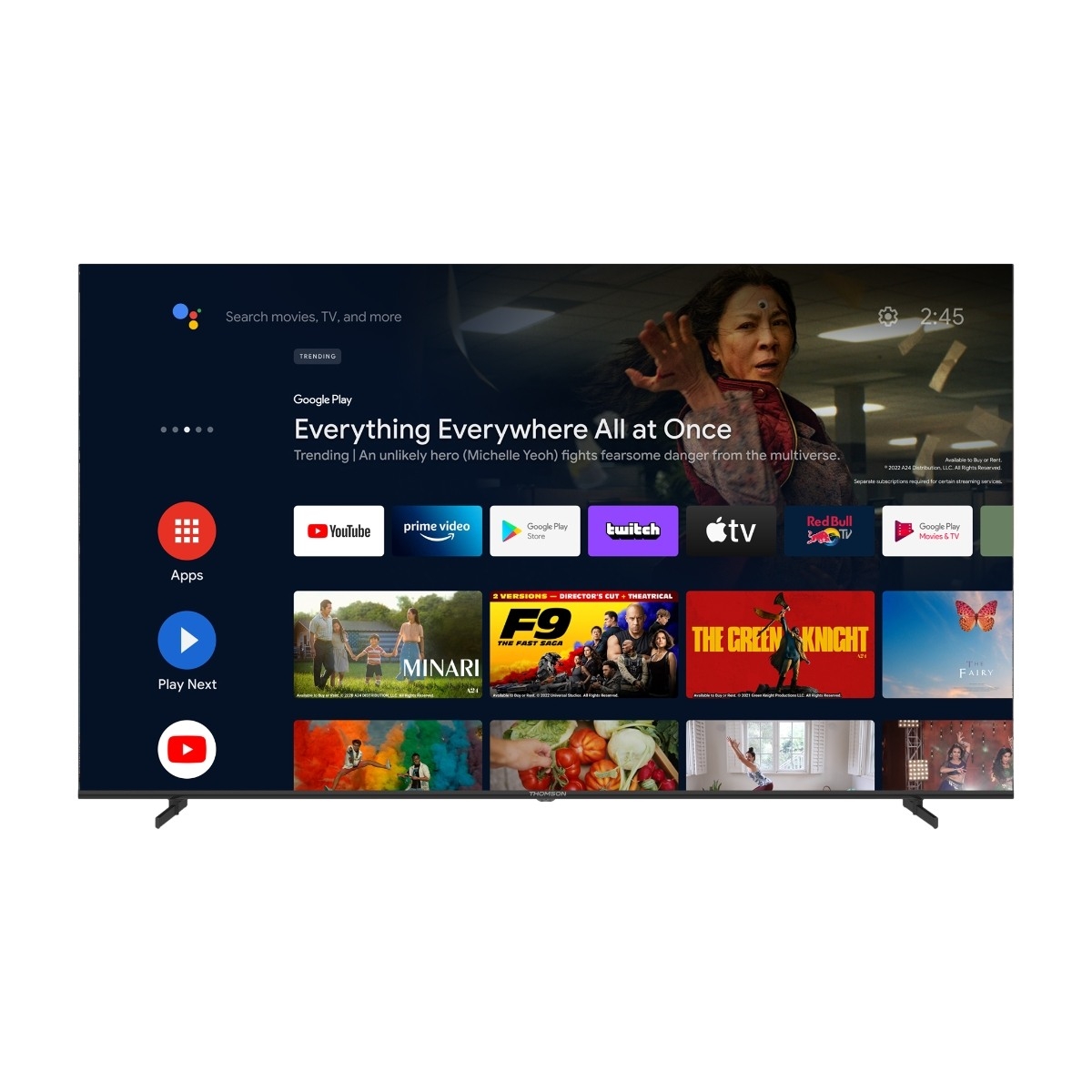


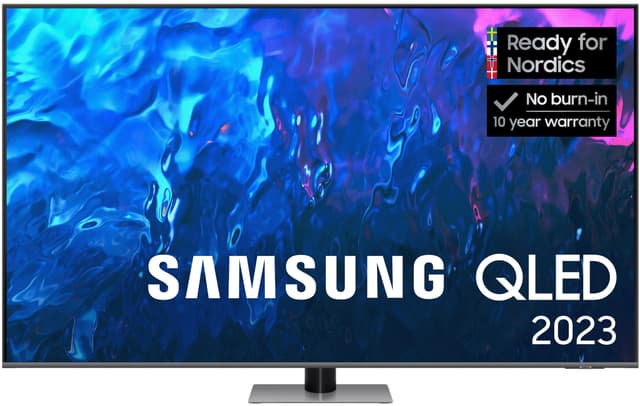
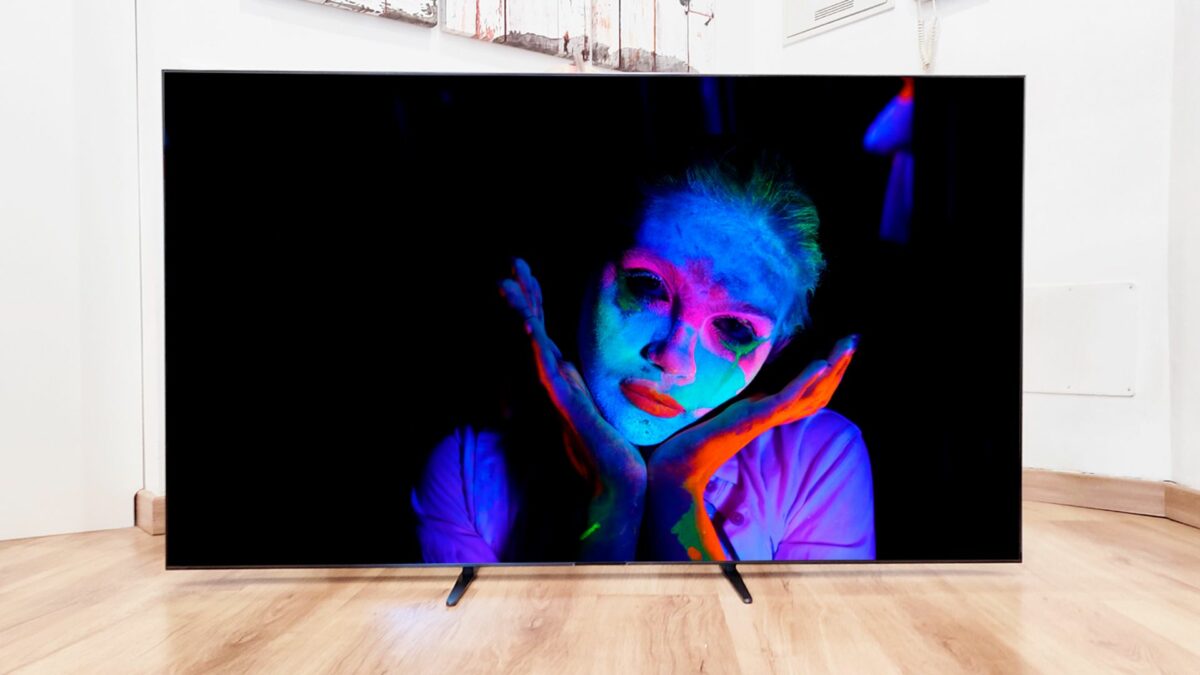

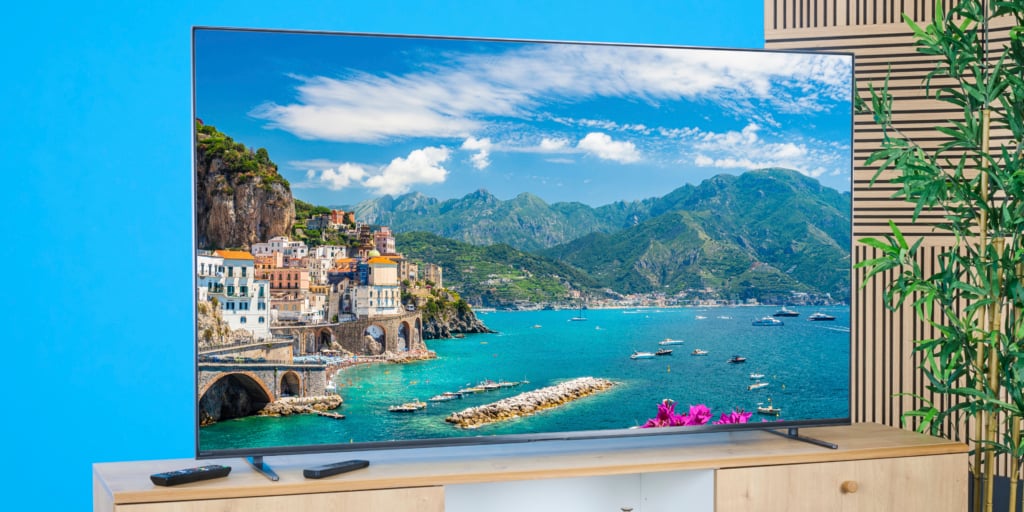

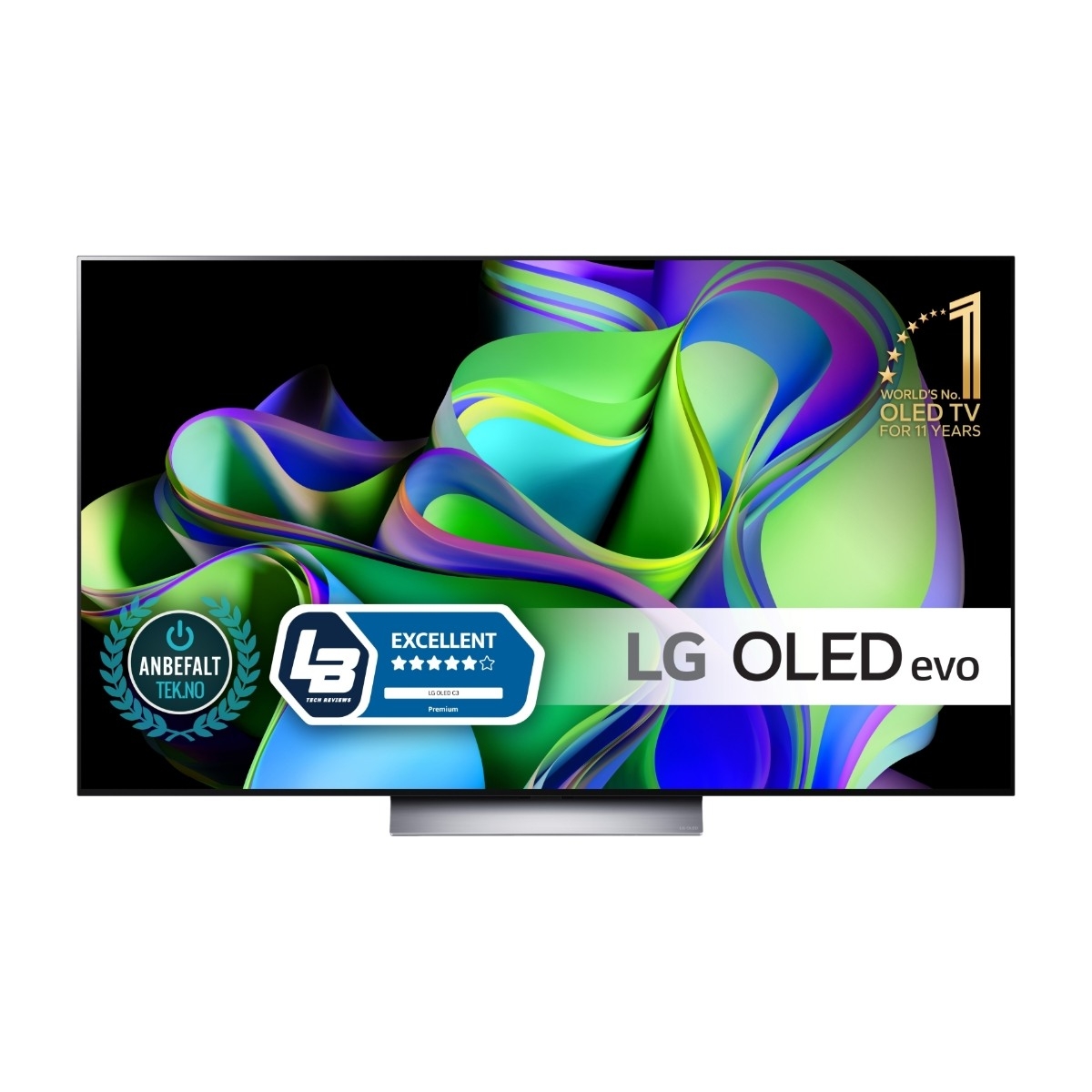

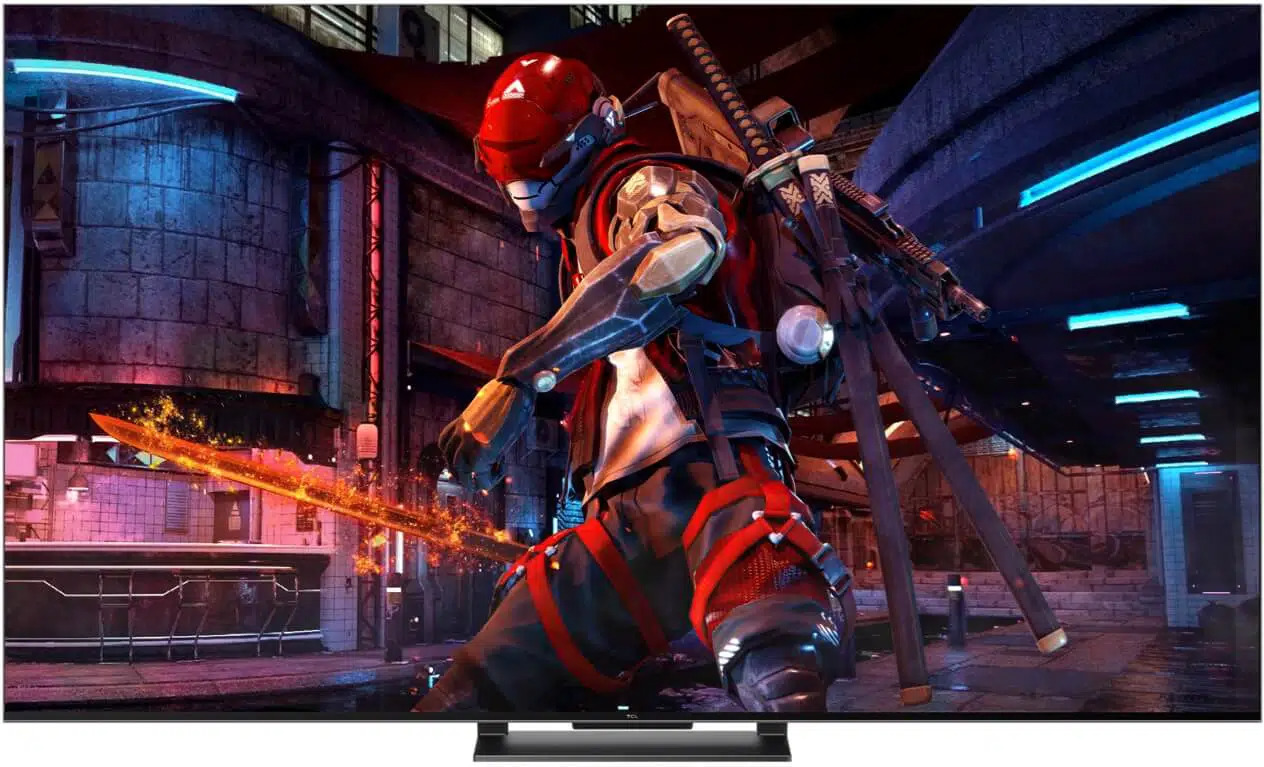


 )
)


